
If you’re searching for a clear breakdown of cross-platform competitive gaming, you’re likely trying to understand how shared ecosystems, balanced mechanics, and controller optimization are reshaping modern multiplayer titles. The rapid growth of cross-play has blurred platform lines, intensified esports rivalries, and raised new questions about fairness, performance parity, and competitive integrity.
This article cuts through the noise. We’ll examine how developers balance inputs between controller and keyboard, how matchmaking systems adapt to mixed-platform pools, and what these shifts mean for both casual competitors and aspiring esports professionals. You’ll also gain insight into the gameplay fundamentals and multiplayer mechanisms that determine whether cross-platform competition feels seamless—or frustrating.
To ensure accuracy, we analyzed current esports formats, reviewed developer patch notes, and referenced commentary from competitive players and industry analysts. The goal is simple: give you a grounded, practical understanding of where cross-platform competition stands today—and what it means for your performance.
The Universal Arena isn’t just marketing flair; it’s a proving ground. Cross-play throws console, PC, and handheld competitors into one lobby, exposing differences in frame rates (how smoothly a game runs), input latency (delay between action and response), and control schemes. Some argue that these gaps make fairness impossible. They have a point. A 240Hz monitor can feel like bringing a lightsaber to a stick fight.
Yet that friction is the benefit.
When you adapt, you sharpen awareness, positioning, and decision speed—skills that outlast device cycle. You learn to win anywhere. In cross-platform competitive gaming, mastering settings, aim curves, and communication grants a broader player pool, faster matchmaking, and tougher opponents. The reward? Measurable growth, transferable mechanics, and confidence that your edge is earned—not inherited.
Deconstructing the “Level” Playing Field: Hardware Disparities
At first glance, competitive shooters look balanced across platforms. However, the numbers tell a different story.
The Frames-Per-Second (FPS) Advantage
Higher frame rates mean more visual updates per second. A PC running at 240 FPS refreshes the image four times as often as a console locked at 60 FPS. According to NVIDIA latency tests, higher FPS can reduce system latency by up to 30–40% in supported titles. In practical terms, that means smoother tracking and faster reaction windows measured in milliseconds (which, in esports, is everything). Console players often cap at 60 or 120 FPS, limiting visual fluidity and responsiveness.
Field of View (FOV) and Resolution
FOV—Field of View—refers to how much of the game world you see on screen at once. A wider FOV on PC increases situational awareness, allowing players to detect flankers without turning the camera. Combined with higher resolutions like 1440p or 4K, enemies appear sharper at distance. In cross-platform competitive gaming, that extra peripheral data can influence split-second decisions.
Input Lag and Refresh Rates
Input lag is the delay between pressing a button and seeing the action occur. A 240Hz monitor refreshes every 4.16ms, compared to 16.67ms on a 60Hz display. Add lower processing latency on high-end PCs, and actions register faster. Is that difference noticeable? At elite levels, absolutely.
Actionable Tip
Console players can narrow the gap: enable Performance Mode, disable V-Sync if available, and use a low-latency monitor to reduce delay.
The Great Input Debate: Controller vs. Mouse & Keyboard
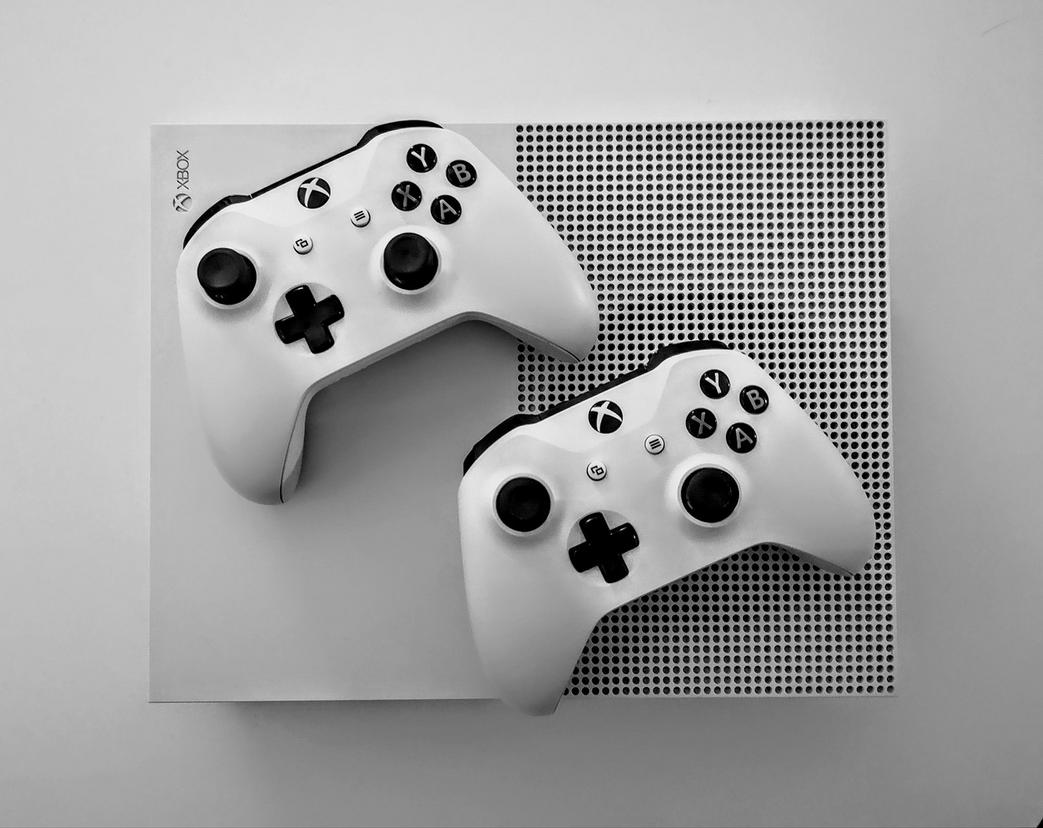
I still remember the first time I plugged a controller into my PC after years on mouse and keyboard. My aim felt magnetized—not better, just different. That’s aim assist, a system that subtly slows or “sticks” your reticle near targets to compensate for the limited range of a thumbstick. Critics argue it’s artificial precision. Supporters counter that without it, controllers wouldn’t survive in cross-platform competitive gaming. Both are right. Aim assist is a balancing tool—but when overtuned, it can blur the line between assistance and automation (and yes, Reddit will notice).
Precision vs. Movement
A mouse offers higher DPI (dots per inch, a measure of sensitivity), enabling lightning-fast flick shots and pixel-level tracking. Controllers trade that for analog movement—360-degree input with variable speed. This makes strafing, peeking, and micro-adjustments feel smoother.
- Mouse excels at: flick shots, long-range tracking, rapid target switching
- Controller excels at: close-quarters tracking, fluid strafing, movement-heavy fights
In fast arena shooters, I prefer a mouse. In tight, movement-driven gunfights, controller feels more natural (like driving automatic instead of manual).
Controller Optimization Deep Dive
If you’re sticking with controller, tuning matters:
- Lower deadzones (the area where stick input isn’t registered) for faster response.
- Experiment with response curves (how input scales from slow to fast movement).
- Increase sensitivity gradually—don’t double it overnight.
Pro tip: Test settings in training modes, not ranked matches.
The Hybrid Approach
Modern controllers with back paddles let you jump, slide, or reload without lifting your thumbs. That closes much of the gap with keyboards’ multi-key advantage.
And in today’s live service games and their impact on player retention (https://obernaft.net/live-service-games-and-their-impact-on-player-retention/), balance tweaks keep this debate alive. The “best” input? The one you’ve mastered.
Mastering the Cross-Play Ecosystem: Game-Specific Rules
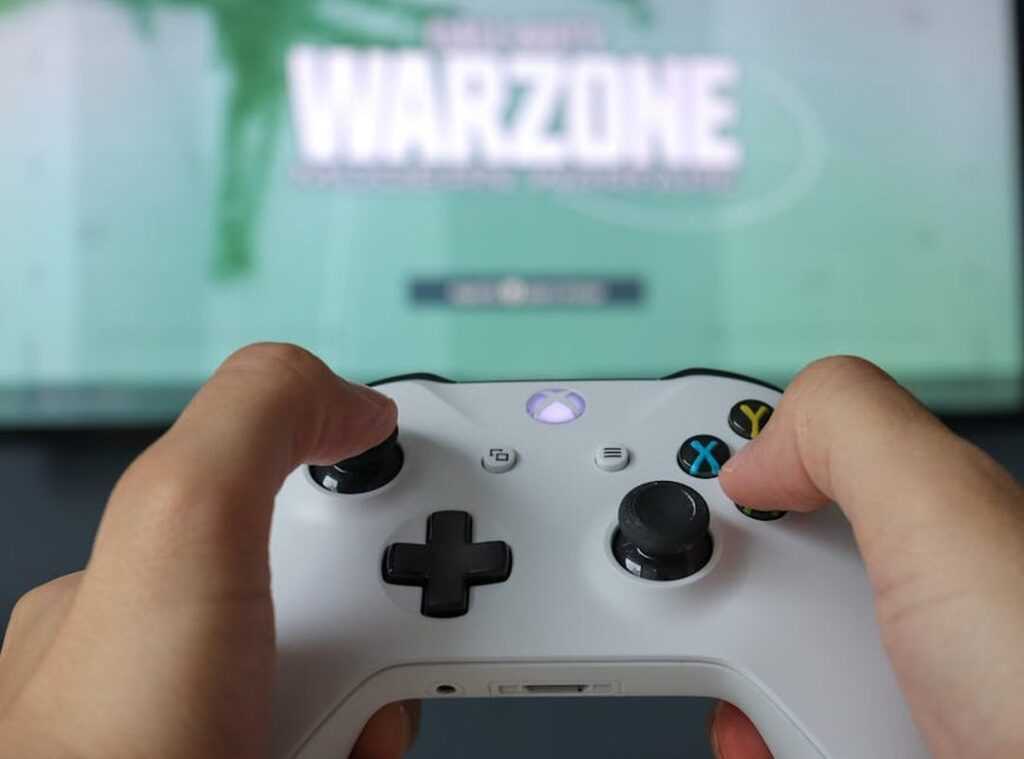
Understanding matchmaking logic is the first step to mastering cross-platform competitive gaming. Some titles use open pool matchmaking, where all platforms compete together. Others rely on input-based matchmaking, pairing controller users with controller users and keyboard-and-mouse players with their own group. Games like Call of Duty: Warzone and Fortnite publicly confirm input-based systems to reduce hardware-driven advantages (Epic Games Support, Activision Support). The benefit? Fairer fights and more predictable skill gaps.
Platform-specific metas also emerge from hardware differences. Higher frame rates on PC can make precision weapons more dominant in titles like Apex Legends, while console aim assist can elevate close-range loadouts. Even character pick rates shift depending on input norms. Knowing this helps you adapt instead of blaming “unfair” opponents (sometimes it’s not skill—it’s settings).
Communication barriers add another layer. PC players may default to Discord, while console teams rely on in-game party chat. To streamline:
- Agree on a single voice platform early
- Standardize callouts
- Test mic levels before ranked queues
Finally, research each game’s cross-play rules before entering ranked. Competitive advantage often comes from understanding the system—not just mastering mechanics.
Forging Your Competitive Edge Across All Battlegrounds
The Cross-Platform Mindset
Blaming hardware is easy. Winning with it is harder. In cross-platform competitive gaming, success starts when you stop arguing about aim assist versus mouse precision and start adapting. A mouse player thrives on high DPI precision (dots per inch, a measure of sensitivity) and rapid flick shots. That often translates to aggressive peeking and long-range confidence. A controller user, by contrast, may rely on aim assist—software that subtly slows crosshair movement near targets—to maintain steadier tracking. Anticipate these tendencies. Expect the wide swing from PC snipers. Expect more linear strafing from standard controller users (predictable movement is a gift if you’re paying attention).
Exploiting Weaknesses
Features matter because they create trade-offs. A sniper with pixel-perfect aim struggles in tight corridors where reaction time beats precision. Force close-quarters fights to neutralize range advantages. Conversely, challenge controller players with vertical engagements—zip lines, stairwells, jump peeks—where vertical tracking is mechanically tougher. It’s like forcing a chess opponent out of their opening prep.
Consistency Is Key
Your monitor refresh rate, headset audio profile, and input sensitivity form your competitive baseline. Consistency builds muscle memory—the automatic execution of repeated actions under pressure. Pro tip: lock your sensitivity across titles when possible. Master your setup, and every lobby becomes predictable.
Mastering the Future of Competitive Play
You came here to understand how competitive gaming is evolving and how to sharpen your edge in an increasingly demanding landscape. Now you have a clearer picture of the mechanics, esports dynamics, multiplayer systems, and controller optimization strategies that separate casual players from serious contenders.
The reality is simple: falling behind on gameplay fundamentals or ignoring the rise of cross-platform competitive gaming puts you at a disadvantage. Skill gaps widen quickly. Meta shifts happen fast. And players who fail to adapt get left behind.
But you don’t have to stay stuck. By applying the insights you’ve learned, refining your setup, and staying informed about competitive trends, you position yourself to compete smarter—not just harder.
If you’re serious about leveling up, start implementing these strategies today. Dive deeper into advanced mechanics, refine your controller optimization, and stay updated with expert-driven competitive analysis. Thousands of competitive players rely on these insights to stay ahead—now it’s your move. Take control of your performance and start dominating your matches.