
If you’re searching for clear, practical insights into today’s game industry trends, esports dynamics, and multiplayer mechanics, you’re in the right place. The gaming landscape moves fast—new competitive metas emerge overnight, control schemes evolve, and small gameplay adjustments can dramatically impact performance. This article breaks down what actually matters, from core gameplay fundamentals to the systems shaping modern multiplayer experiences.
We focus on separating hype from mechanics that genuinely affect player outcomes. Drawing on in-depth analysis of competitive play, technical breakdowns of game systems, and hands-on evaluation of control configurations, we provide insights you can apply immediately—whether you’re a casual competitor or aiming for ranked dominance.
You’ll also find practical guidance on controller sensitivity optimization, helping you fine-tune precision, reaction time, and consistency across different game genres. By the end, you’ll have a clearer understanding of how industry trends connect to real gameplay performance—and how to use that knowledge to your advantage.
Ever lose a gunfight you should’ve won because your aim felt floaty or twitchy? You’re not bad—your settings might be. Most players copy pro layouts and hope for magic. Yet Pro A: maxed sensitivity for flashy turns; Pro B: dialed control for steady tracking. One isn’t better—it’s contextual. Instead, think of controller sensitivity optimization as tailoring a suit, not borrowing one. Start by balancing stick deadzones (the input gap before movement) against aim assist strength. Then, test horizontal versus vertical speed. Ultimately, the goal is consistency over chaos—faster reactions, cleaner shots, and gameplay that feels instinctive, not clunky. Win today.
Decoding the Settings Menu: The Four Pillars of Aim
If your aim feels inconsistent, the problem usually isn’t your reflexes — it’s your settings. Mastering these four pillars is the foundation of controller sensitivity optimization.
-
Look (Horizontal & Vertical) Sensitivity: This controls how fast your camera turns. High sensitivity allows lightning-fast 180-degree turns (great for close-quarters chaos), but it sacrifices micro-adjustments. Lower sensitivity improves steadiness for tracking targets at range, though quick reactions suffer. My recommendation: start mid-range, then increase gradually until you can turn comfortably without overcorrecting. If you’re constantly “whiffing” past enemies, it’s probably too high.
-
Aim Down Sights (ADS) Sensitivity Multiplier: This adjusts speed while actively aiming. Because precision matters more than speed when scoped in, ADS is typically set lower than your base look sensitivity. A good rule: reduce it by 10–20% and test recoil control. (Think of it as switching from a paint roller to a fine brush.)
-
Controller Deadzone: The deadzone is the “no-input” area before stick movement registers. Lower values reduce input delay and feel more responsive, but too low can cause stick drift — when your aim moves on its own. Decrease it slowly until drift appears, then bump it up slightly. That’s your sweet spot.
-
Aim Response Curve (Linear, Dynamic, Exponential): Linear offers raw 1:1 input — pure and predictable. Dynamic or exponential curves start slow for small movements, then ramp up for fast turns. I recommend Dynamic for most players; it balances precision and speed (the Goldilocks choice).
The Tuning Process: A Step-by-Step Method to Find Your Perfect Sensitivity
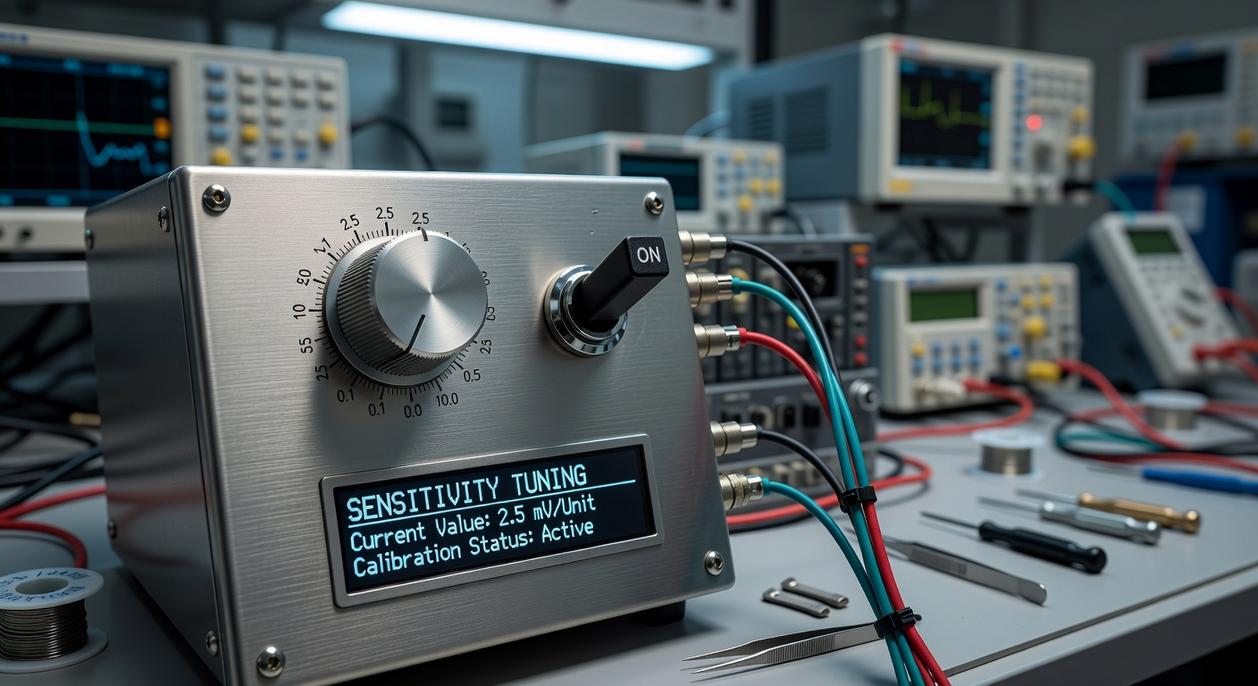
Finding the right sensitivity can feel weirdly complicated. Some players insist you should copy a pro’s settings and call it a day. Others say sensitivity is “all personal preference” and nothing else matters. The truth sits in the middle.
Sensitivity controls how fast your in-game camera moves in response to your stick movement. ADS (Aim Down Sights) sensitivity specifically adjusts movement speed while aiming. Deadzone refers to how far you must move the stick before the game registers input. With that clarified, here’s a practical method.
Step 1: Establish a Baseline in a Training Mode
Start with default settings or a trusted community standard (for example, 6-6 in Call of Duty). This gives you a neutral reference point. Without a baseline, you’re just guessing (and guessing is not a strategy).
Step 2: The 180-Degree Turn Test for Look Sensitivity
Stand still and attempt a clean 180-degree turn. If you overshoot your target repeatedly, lower sensitivity. If you undershoot and need extra stick movement, raise it. This isolates rotational control in a simple, measurable way.
Step 3: The Target Snapping Drill for ADS Sensitivity
Next, snap your crosshair between two static targets. The goal is to land directly on the target with minimal correction. If you constantly adjust after landing, your ADS sensitivity likely needs refinement.
Step 4: The Target Tracking Drill for Fine-Tuning
Now introduce moving bots. Keep your crosshair centered as they strafe. Tracking tests micro-adjustments and response curve feel (how input ramps up from small to large movements). This is where controller sensitivity optimization becomes precise rather than theoretical.
Step 5: Calibrate Your Deadzone
Lower deadzone to minimum and watch for stick drift. If the camera moves without input, increase the value gradually until it stops. Pro tip: lower deadzones improve responsiveness, but stability always comes first.
For even more control, explore custom button mapping strategies for faster reaction times to complement your settings.
Advanced Optimization for Competitive Play
Competitive settings aren’t one-size-fits-all. An arena shooter like Apex Legends demands rapid target switching, while a tactical shooter like Rainbow Six Siege rewards pixel-precise crosshair placement. Higher sensitivity (how fast your camera turns relative to stick movement) favors speed; lower sensitivity favors precision.
A vs. B Comparison:
- High Sens (Arena Shooters): Faster 180° turns, better for chaotic third-party fights.
- Low Sens (Tactical Shooters): Cleaner micro-adjustments, steadier aim during tight angles.
Some argue muscle memory matters more than genre. That’s fair. But if time-to-kill is longer and movement is faster, higher sensitivity often provides a measurable edge (as seen in varied pro settings across titles, per esports stat trackers like Liquipedia).
Per-optic sensitivity adds another layer. A 1x red dot benefits from moderate-to-high sensitivity for tracking. A 6x sniper scope? Lower sensitivity reduces overcorrection. Think of it as gear shifting for your thumbs.
Controller attachments also shift the equation. Thumbstick extenders increase leverage, expanding range of motion. That allows higher base sensitivity while preserving fine control—an essential balance in controller sensitivity optimization.
Pro tip: Adjust one variable at a time and test in live matches, not just training modes (real pressure exposes flaws).
Lock It In for Real Progress
You’ve adjusted your settings using a clear, repeatable process. Now the real work begins.
Inconsistent aim isn’t always a skill gap; often, it’s a hardware or configuration mismatch. That’s why methodical controller sensitivity optimization matters. It builds a foundation tailored to your hands, reflexes, and setup instead of copying a pro’s numbers and hoping for magic.
Sure, some players swear by constant tweaks (they chase perfection like it’s patch notes). But every small change resets your muscle memory clock.
Commit to your new settings for at least one week. Play, practice, and review—but don’t touch the sliders.
Pro tip: track your performance in short sessions so you can spot real improvement instead of reacting to one bad match.
Consistency beats constant change. Lock it in, give your brain time to adapt, and let repetition do what it’s designed to do. That’s how lasting improvement sticks. Trust the process fully. Daily.
Master Your Gameplay Edge
You came here to cut through the noise and truly understand how gameplay mechanics, esports dynamics, and multiplayer systems give you a competitive edge. Now you have a clearer view of how these elements connect—and how small adjustments can dramatically impact your performance.
If you’ve been struggling with inconsistent aim, slow reaction times, or losing close matches, the issue isn’t always your skill. Often, it’s a lack of refined strategy and proper controller sensitivity optimization holding you back. Ignoring these details means leaving wins on the table.
The advantage goes to players who act. Start refining your settings, analyze your gameplay habits, and apply what you’ve learned about mechanics and competitive trends today. If you’re serious about improving, dive deeper into expert-backed insights trusted by competitive players who want measurable results.
Stop guessing. Start optimizing. Level up your performance now.